
Download Auto Clicker
Auto Clicker is a lightweight, secure, and easy‑to‑use tool that automates mouse clicks to save you time and effort. Whether you’re gaming, testing, or working on repetitive tasks, Auto Clicker helps you boost productivity instantly.
💡Download Options
🛠️ Installation Guide
1. To Download Auto Clicker click the above button and install from the links above.
2. Run the setup file and follow the on‑screen instructions.
3. Launch Auto Clicker from your desktop or applications menu.
4. Configure settings such as click type, interval, and hotkeys.
5. Start automating clicks with a single keystroke.
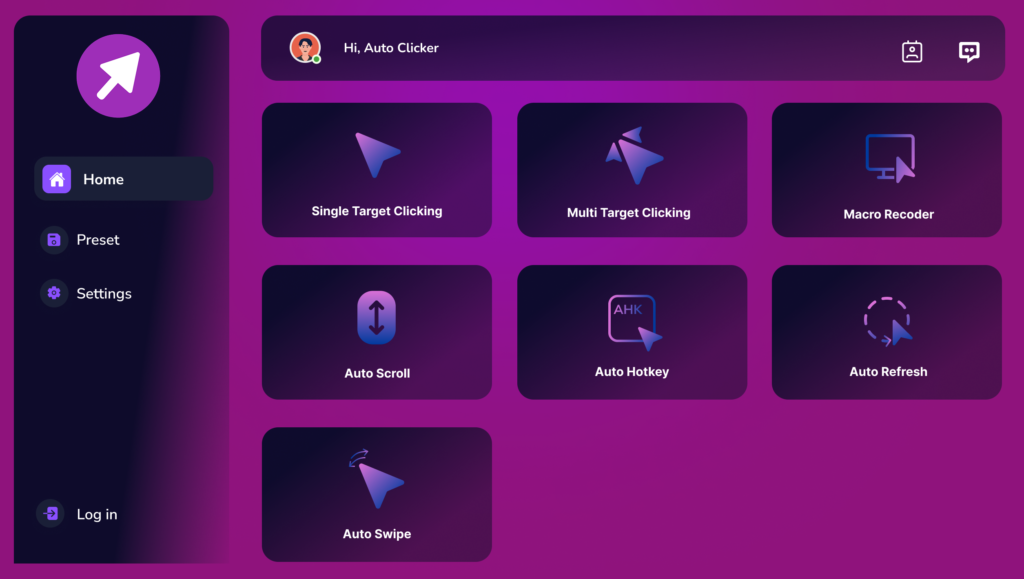
💡Why Choose Our Auto Clicker?
Save Time
Automate repetitive tasks instantly.
Boost Productivity
Focus on your work while Auto Clicker handles the clicks.
Reduce Strain
Prevent hand fatigue from constant clicking.
Cross‑Platform
Works across Windows and Mac platform.
🛠️ Use Cases of Auto Clicker
Gaming
Automate repetitive in‑game actions such as farming, resource collection, or levelling up. Speed up progress in idle or clicker games by simulating thousands of clicks per minute. Execute repeated attacks or actions without manual effort.
Data Entry & Productivity
Automate form submissions for large datasets. Approve multiple records or requests in bulk. Refresh dashboards or reports at regular intervals. Navigate through repetitive multi‑step workflows automatically.
Testing & Quality Assurance
Stress‑test buttons, forms, and UI components. Simulate thousands of clicks to evaluate system stability. Automate repetitive test cases for faster validation. Ensure consistent results across multiple testing cycles.
Web Automation
Refresh ticket booking or product pages to secure availability. Automate repetitive online surveys or polls. Click through multi‑step workflows on websites. Maintain activity require regular interaction.
Accessibility Support
Assist users with mobility challenges by automating clicks. Reduce strain for individuals with repetitive strain injuries (RSI). Enable hotkey‑based control for easier interaction.
Everyday Convenience
Advance slides automatically during presentations. Refresh stock market dashboards or sports score pages. Automate repetitive online tasks like clicking through galleries.
Safe & Secure
💡Frequently Asked Questions
Is Auto Clicker Free to Download?
Yes, Auto Clicker is completely free and safe to use.
Do I Need Admin Rights to Install?
On Windows, yes. On Mac, follow standard installation prompts.
Can I Uninstall Auto Clicker Easily?
Yes, you can remove it anytime using your system’s uninstall option.
Does Auto Clicker Work in Games?
Yes, but always check the game’s rules to ensure automation is allowed.