

Minecraft continues to thrive in 2026, offering players endless freedom to build, mine, farm, and fight. However, many core gameplay mechanics involve repetitive clicking, whether it’s mining for hours, harvesting crops, or engaging in PvP combat. Over time, this can lead to fatigue and reduced efficiency. This is where using an auto clicker for Minecraft becomes useful.
This guide explains how Auto Clicker work in Minecraft, how to set them up correctly, and which tools perform best — with a focus on reliability, safety, and realistic clicking behavior.
Table of Contents
What Is an Auto Clicker and Why Minecraft Players Use It?
An auto clicker is a small utility that automates mouse clicks at a defined speed or interval. Instead of manually clicking, the software performs the action for you, freeing you from repetitive strain.
In Minecraft, auto clickers are commonly used for:
- Sustained mining sessions
- Crop farming and harvesting
- Building repetitive structures
- PvE mob grinding
- Practice-based PvP clicking
When used responsibly, an auto clicker can improve comfort and consistency without changing the core gameplay experience.
Is Using an Auto Clicker Allowed in Minecraft?
Single-Player Use
In single-player worlds, auto clickers are generally safe to use since they do not affect other players or server economies.
Multiplayer and Servers
Rules vary widely across servers. Some allow auto clickers for accessibility reasons, while others prohibit them entirely. Always check server guidelines before using any automation tool online. Anti-cheat systems often flag unnaturally high or perfectly consistent CPS, which is why realistic timing matters more than raw speed.
What Makes a Good Auto Clicker for Minecraft?
Not all auto clickers work well with Minecraft. The most reliable tools share a few key characteristics.
- Adjustable Click Speed: Minecraft gameplay typically works best between 8–15 CPS for PvP and 15–25 CPS for mining or farming.
- Hotkey Control: Quick start-and-stop hotkeys are essential, especially during combat or movement-heavy gameplay.
- Natural Click Timing: Auto clickers that allow slight interval variation feel more human and reduce detection risk on multiplayer servers.
- Low Resource Usage: Minecraft already consumes system resources, so a lightweight auto clicker is preferable.
Recommended Auto Clickers for Minecraft (2026)
Several auto clickers perform well with Minecraft, each with slightly different strengths.
1. MT Auto Clicker
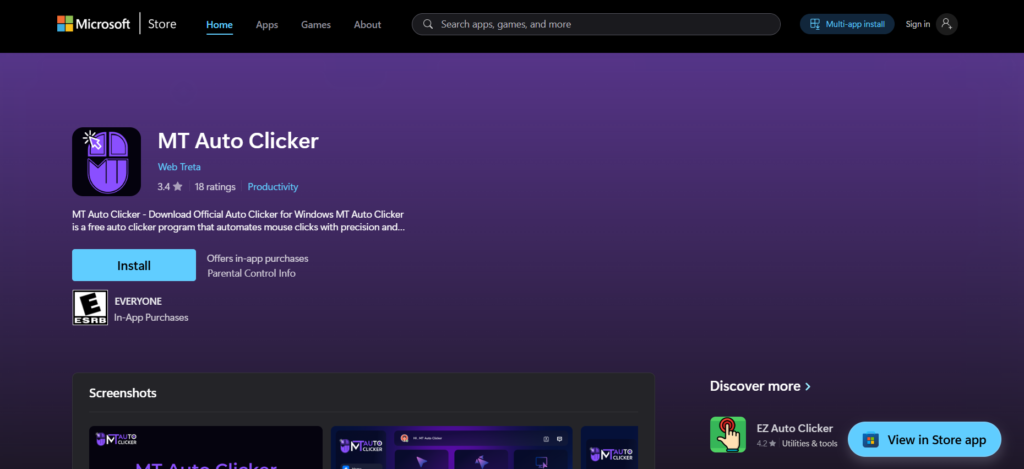
MT Auto Clicker fits well into Minecraft’s gameplay rhythm due to its balanced feature set. It offers enough customization to fine-tune clicking behavior without overwhelming the user with complex settings.
It handles sustained clicking smoothly, supports hotkeys, and allows realistic interval adjustments, which makes it suitable for both long mining sessions and controlled PvP use. Its lightweight nature also means it runs quietly alongside Minecraft without performance issues.
2. OP Auto Clicker
OP Auto Clicker for Minecraft is widely known for its simplicity and reliability. It allows precise interval control and is easy to configure, making it a popular option among casual players.
While it performs well for basic automation, it offers fewer controls over click variability, which may matter on stricter multiplayer servers.
3. MurGee Auto Clicker
MurGee Auto Clicker for Minecraft is best suited for precision-based tasks. It allows exact coordinate targeting and detailed timing control, making it useful for Redstone testing or structured automation. However, for general gameplay like PvP or mining, it may feel more technical than necessary.
4. Free Mouse Clicker
Free Mouse Clicker for Minecraft is a minimal, lightweight option that works well on low-end systems. It’s useful for simple tasks but lacks advanced controls, making it better suited for casual or offline use.
Step-by-Step Setup Guide for Minecraft (Windows 10/11)
Step 1: Download from a Trusted Source
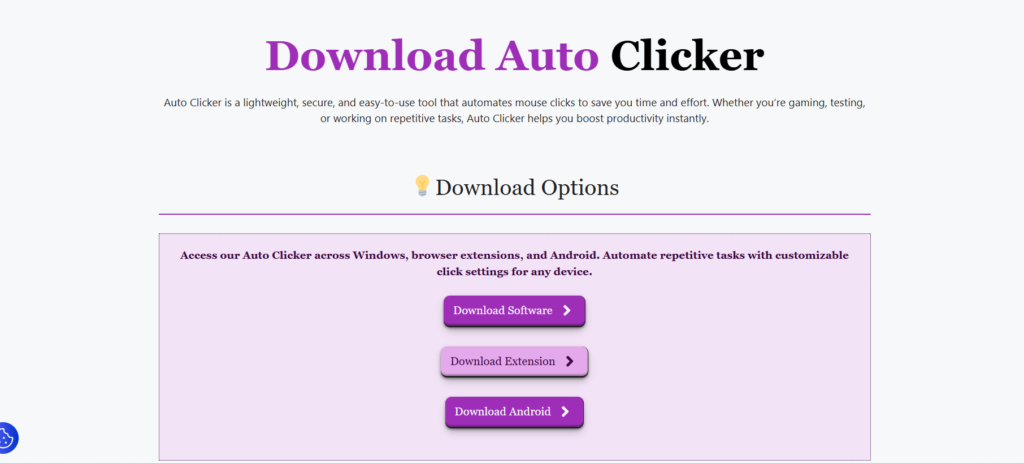
Always download auto clicker from official or reputable sites to avoid malware.
Step 2: Launch Minecraft First
Open Minecraft before activating your auto clicker so you can test settings in real time.
Step 3: Configure Click Speed
Start with conservative values:
- PvP: 8–12 CPS
- Mining/Farming: 15–20 CPS
Adjust gradually based on comfort and responsiveness.
Step 4: Assign Hotkeys
Choose a hotkey that doesn’t interfere with Minecraft controls, such as F6 or a Ctrl-based shortcut.
Step 5: Test in Single-Player
Always test your setup in a single-player world before using it elsewhere.
Responsible Use Tips
- Avoid extremely high CPS values
- Don’t use auto clickers where servers forbid them
- Use automation for comfort, not unfair advantage
- Take breaks — automation doesn’t replace healthy play habits
Final Thoughts
Using an auto clicker for Minecraft is less about gaining an edge and more about reducing repetitive strain and improving long-session comfort. The best tools are those that blend into gameplay naturally, offer control without complexity, and behave realistically.
Among the available options, tools like MT Auto Clicker for Minecraftstand out not because they try to do everything, but because they do the important things well — consistency, control, and stability. When configured thoughtfully and used responsibly, an auto clicker can make Minecraft feel smoother, not automated.